

Did your Christmas morning start off with a Mac under the tree? No matter if you unwrapped a new MacBook, iMac, or Mac mini, that hardware is just the beginning of a gift that will keep on giving. In 2025, there are more apps and games for Apple computers than ever. Here are six we recommend taking a look at.
Pages
Whether you’re a student or a professional who just got a new Mac, one of the most critical apps to have is a word processor. For decades now, the word-processing king, Microsoft Word, has been available on Macs. The problem is that Microsoft Word is now largely a subscription service—meaning that if you use it, you’ll have to pay a monthly fee.
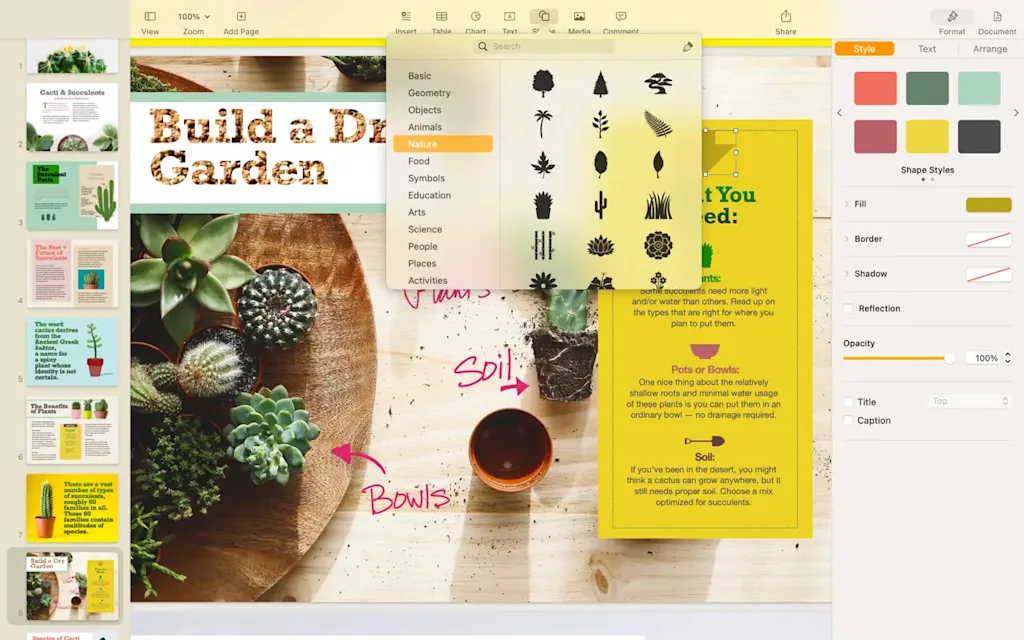
That annoying subscription model is why every Mac owner should download Apple’s Pages. Apple’s word processor is incredibly powerful and versatile, enabling the easy creation of everything from manuscripts to newsletters. It even lets you create and edit documents in the Word format for cross-platform use.
Book Tracker
One great thing about the Mac is that there are tons of indie developers creating high-quality apps for nearly any niche use you can think of. One of the best indie apps we’ve found this year is dedicated to helping you track your book library.
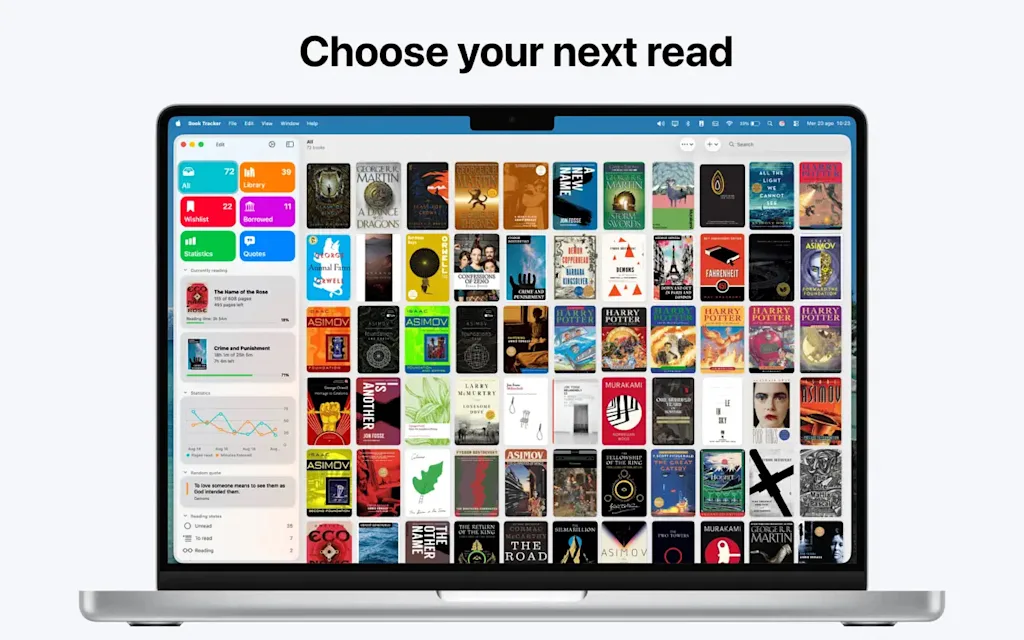
Book Tracker is an app any book lover will adore. Scan the UPC of any book with your Mac’s camera, and the book will be added to Book Tracker’s library, where you can view information about it, organize it into collections, and add notes. The app also allows you to set and track reading goals, add books to your to-be-read wish list, and easily see all the quotes you’ve decided to jot down from your favorite books.
Flighty
If you’re a frequent flier, you’ll probably be bringing that new MacBook you just got on any trip you take. But more than just a tool to use on long flights, your MacBook can actually make your travel experience less stressful, thanks to a certain app. That app is Flighty, which allows you to view all kinds of information about your upcoming flight right on your Mac’s desktop.
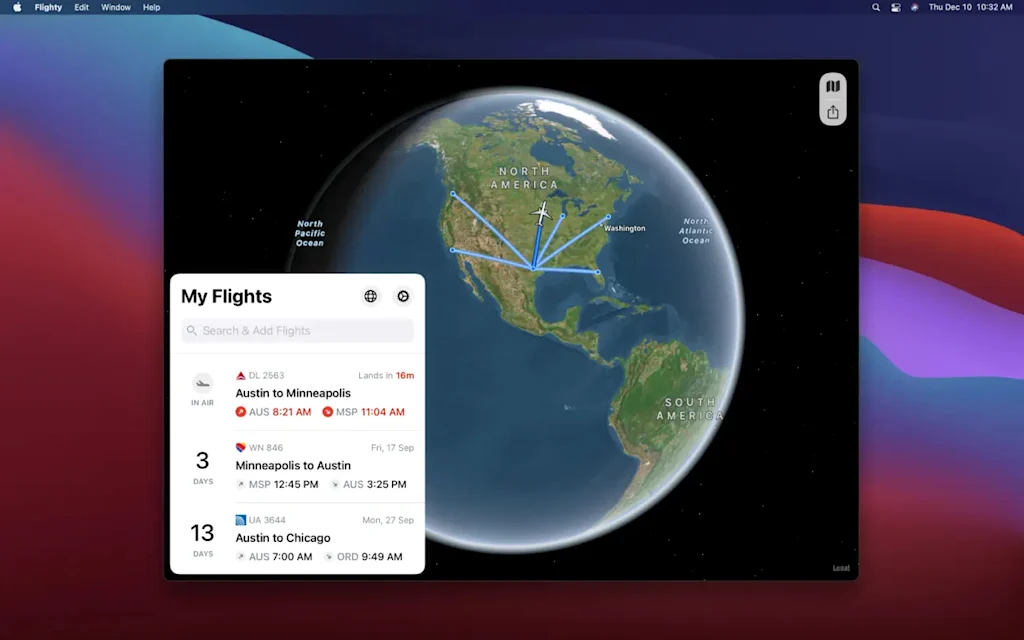
Enter your flight details, and Flighty will instantly display your flight’s itinerary on a beautiful interactive map, along with a detailed timetable of your departure, taxi, and takeoff as well as your landing metrics. The app also alerts you to delays and displays other useful information like the time zone and weather at your destination.
Assassin’s Creed Shadows
Gaming on the Mac has never been better, and 2025 saw the release of what is probably the most graphically impressive game ever to hit Apple’s platform: Assassin’s Creed Shadows. The AAA game by gaming giant Ubisoft shows that game studios are finally going all-in on Mac gaming, mainly thanks to the Mac’s powerful Apple Silicon chips.

Assassin’s Creed Shadows is the latest installment of the Assassin’s Creed franchise, which lets you play as a shinobi assassin and a samurai in feudal Japan. With riveting story, characters, and jaw-dropping graphics, this is a must-have game if you’re looking for some fun downtime on your Mac over the holidays.
Resident Evil 2
If you’re looking for a game a little less mesmerizing and a lot more horrifying, you should definitely check out the Resident Evil 2 remake by Capcom. Originally released in 1998, Resident Evil 2 is the game that defined the survival horror genre for a generation.

The remake retains all of the original’s tense atmosphere, compelling characters, and bone-chilling sound design, but repackages it in a layer of modern graphics and lighting effects. Best of all, as with Assassin’s Creed Shadows above, Resident Evil 2 supports game controllers, making your playing it on a Mac feel reminiscent of a console experience.
Alto’s Adventure
If samurai and zombies aren’t your thing, and you prefer a more casual gaming experience, you’ll likely love Alto’s Adventure. The endless runner snowboarding game originally debuted on the iPhone in 2015 and was widely praised for its art design, score, and game mechanics. And all that is turned up to an “11” in the Mac version of the game, thanks to the Mac’s expansive displays compared to the iPhone’s.

In Alto’s Adventure, you play a llama herder on a snowboard as he races across beautiful landscapes collecting his runaway flock while performing flips and other aerial acrobatics on his snowboard. Yet despite its kinetic action, the game is surprisingly calming, and its wintry, snowcapped backdrops couldn’t be more appropos for this time of year.